
| klste@hotmail.de |
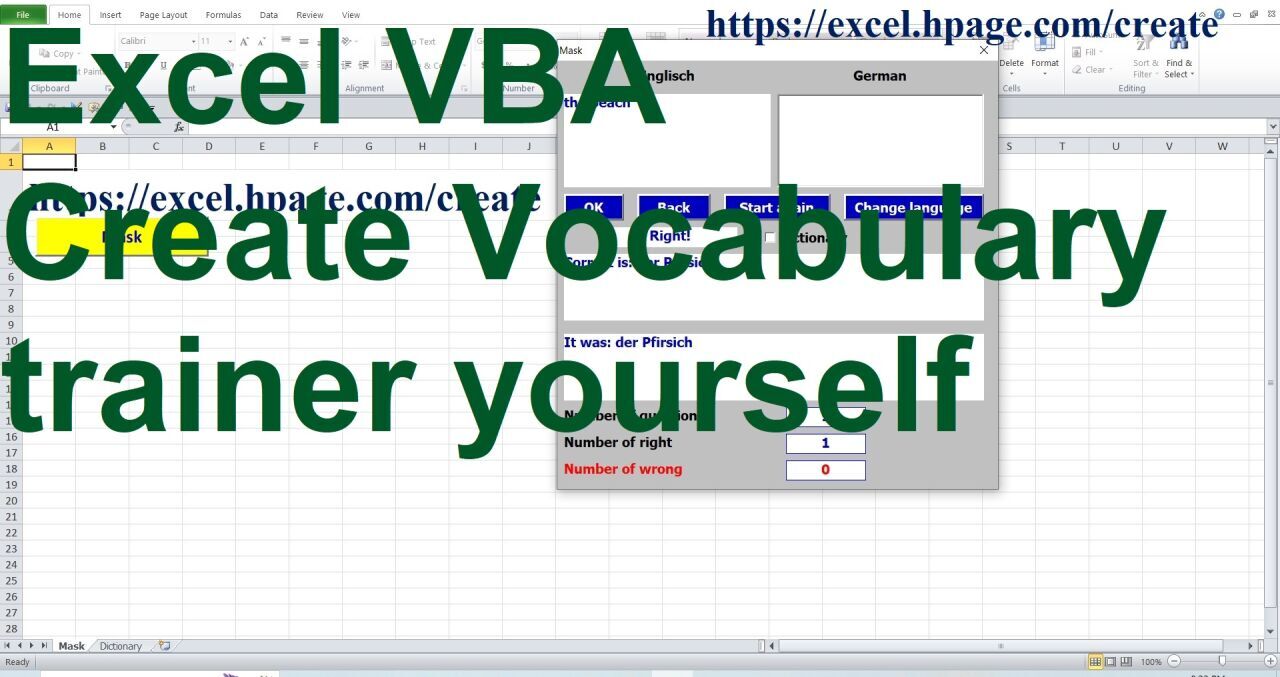
Create Vocabulary trainer in Excel VBA yourself. This is how this program is created.
YouTube playlist : https://www.youtube.com/watch?v=SLSUzpWCgpg&list=PLcwMjDfa1J1-AWWkgSpQgLtRWhsXH0BnY
Create Vocabulary trainer in Excel VBA yourself. This is how this program is created.
Anyone can create this program. This program is contained in an Excel macro-enabled workbook. First, the Excel macro-enabled workbook is created. The description of this video contains a link to a video demonstrating the creation of an Excel macro-enabled workbook.
Nine YouTube videos describe the process of creating this program. These nine videos are compiled into a YouTube playlist. The link to this playlist is in the description of this video.
To create this program, simply select, highlight, copy, and paste text or controls using your mouse. You don't need to type anything yourself. The code for formatting the pasted controls is in the description of this video. Simply select it, copy it, and paste it into the program using your mouse.
Once the input mask is ready, the main program code is inserted. You will receive the main code as a Word file attached to the email.
This program is an excellent aid in learning foreign languages.
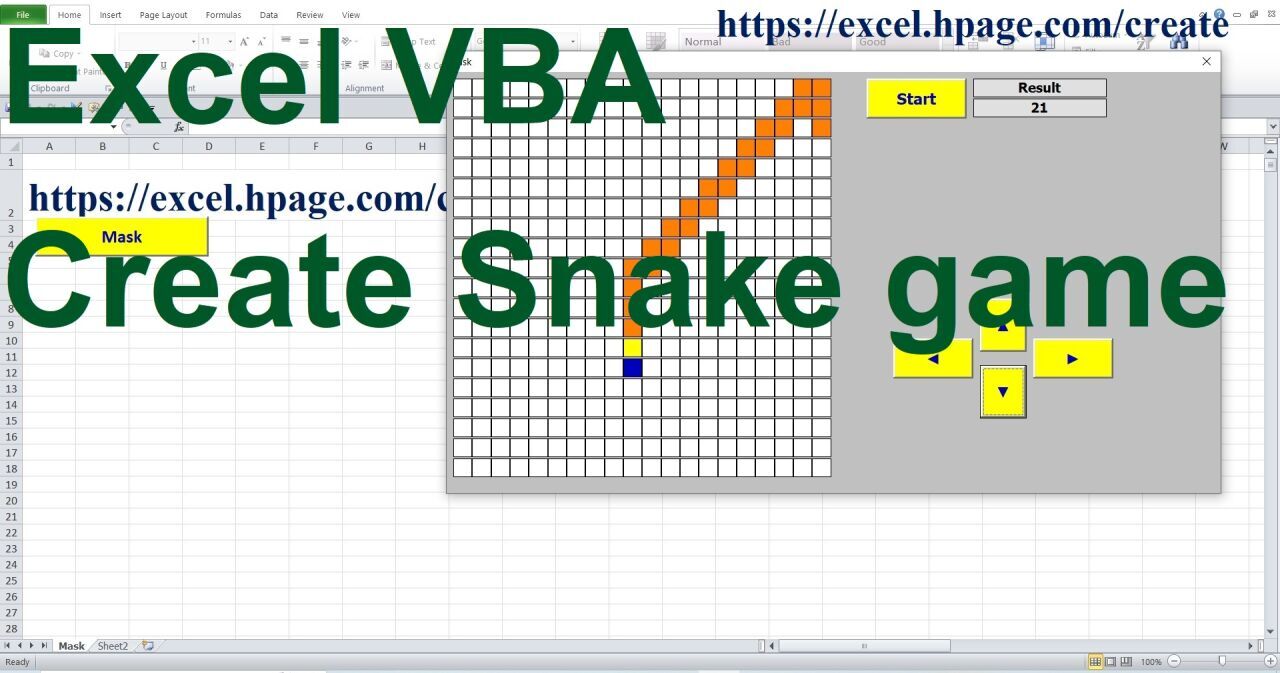
Create your own Snake game in Excel VBA. This is how this program is created.
YouTube playlist : https://www.youtube.com/watch?v=VU5_83BbJfo&list=PLcwMjDfa1J18TfjYmgy9CR9lr5MQx6W0v
Anyone can create this program. This program is contained in an Excel macro-enabled workbook. First, the Excel macro-enabled workbook is created. The description of this video contains a link to a video demonstrating the creation of an Excel macro-enabled workbook.
Eight YouTube videos describe the process of creating this program. These eight videos are compiled into a YouTube playlist. The link to this playlist is in the description of this video.
To create this program, simply select, highlight, copy, and paste text or controls using your mouse. You don't need to type anything yourself. The code for formatting the pasted controls is in the description of this video. Simply select it, copy it, and paste it into the program using your mouse.
Once the input mask is ready, the main program code is inserted. You will receive the main code as a Word file attached to the email.
This game is an Excel file programmed in VBA. The game is played from a user form. Playing field is 20 × 20 squares. In the beginning, the snake has a yellow head and four orange body parts. The snake is supposed to catch the blue rabbit. The rabbit doesn't run away and just waits for Snake to catch it. After each captured rabbit, the snake's body becomes one box longer and the player receives one point. The snake can be up to 299 orange boxes long. The new rabbit appears in a different box. If the new rabbit cannot be seen, the snake should keep moving and the new rabbit will come out. Four buttons with arrows control the movement of the snake; the direction of the arrow is the direction of movement.
The game is started with the "Start" button, the four control buttons will be visible and the result is no points.
If the snake leaves the playing field or bites into its own body, the four control buttons are hidden and the game is canceled.
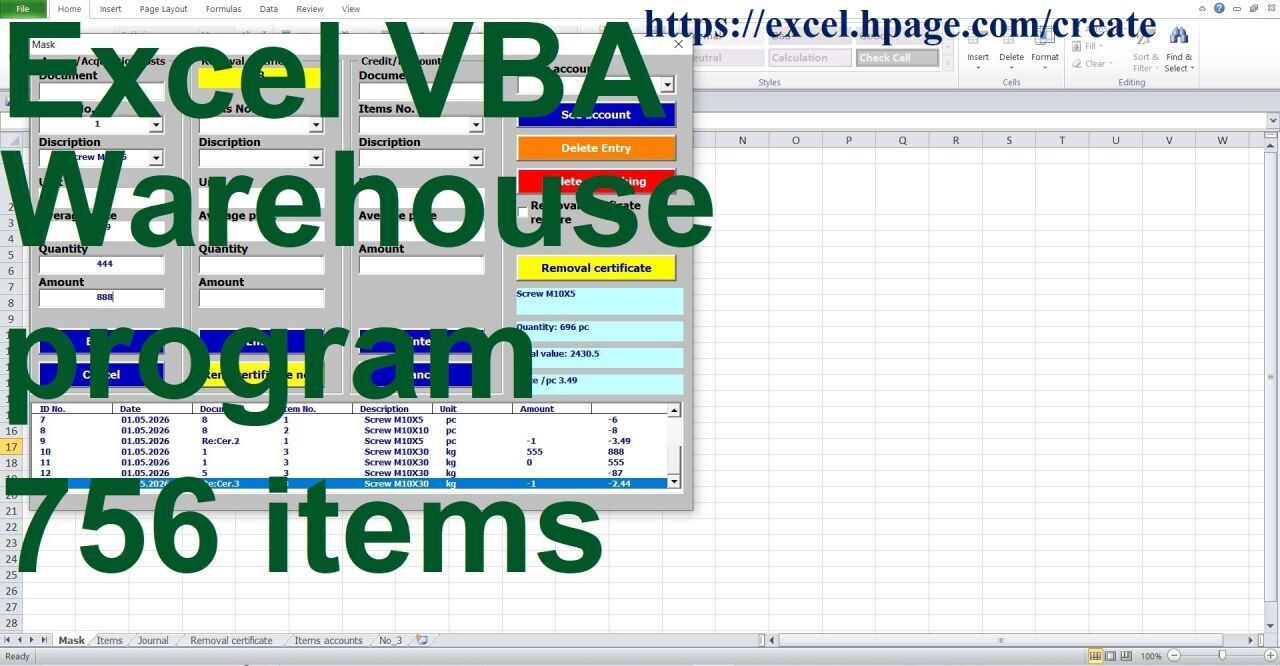
Create your own warehouse management program for 756 items. This is how this program is created
YouTube playlist : https://www.youtube.com/watch?v=oE8rGiMhZoQ&list=PLcwMjDfa1J18dvR1Y1XMX97iPYdSBGAlN
Anyone can create this program. This program is contained in an Excel macro-enabled workbook. First, the Excel macro-enabled workbook is created. The description of this video contains a link to a video demonstrating the creation of an Excel macro-enabled workbook.
Thirteen YouTube videos describe the process of creating this program. These thirteen videos are compiled into a YouTube playlist. The link to this playlist is in the description of this video.
To create this program, simply select, highlight, copy, and paste text or controls using your mouse. You don't need to type anything yourself. The code for formatting the pasted controls is in the description of this video. Simply select it, copy it, and paste it into the program using your mouse.
Once the input mask is ready, the main program code is inserted. You will receive the main code as a Word file attached to the email.
The program allows you to manage a warehouse with up to 756 items. The user enters item numbers, descriptions, and units in the "Items" worksheet. The program then calculates the stock levels and total values.
The program maintains an account for each item.
The program records four types of transactions: Access, Acquisition costs, Credit/Discount, and Removal certificate.
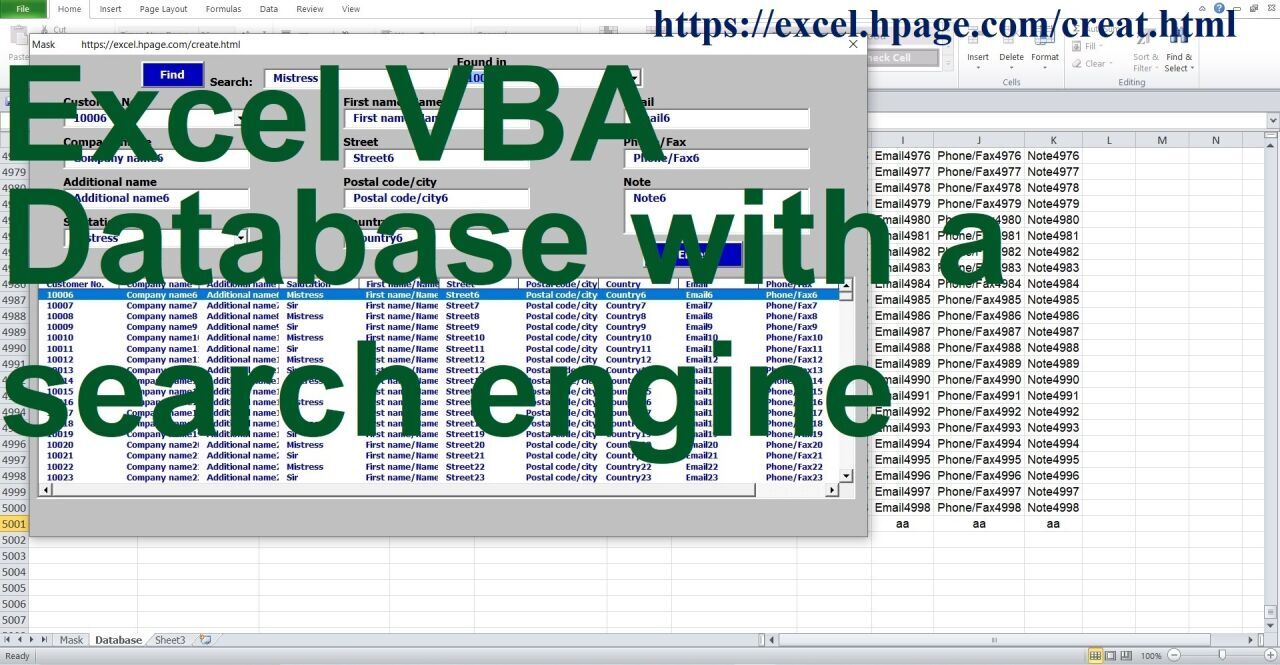
Excel VBA. Create your own database with a search engine.
YouTube playlist : https://www.youtube.com/watch?v=yYAf1G3oEZY&list=PLcwMjDfa1J19kRfyWB6UoxyxL6VPrBSEI
Anyone can create this program. This program is contained in an Excel macro-enabled workbook. First, the Excel macro-enabled workbook is created. The description of this video contains a link to a video demonstrating the creation of an Excel macro-enabled workbook.
Ten YouTube videos describe the process of creating this program. These ten videos are compiled into a YouTube playlist. The link to this playlist is in the description of this video.
To create this program, simply select, highlight, copy, and paste text or controls using your mouse. You don't need to type anything yourself. The code for formatting the pasted controls is in the description of this video. Simply select it, copy it, and paste it into the program using your mouse.
Once the input mask is ready, the main program code is inserted. You will receive the main code as a Word file attached to the email.
This program creates and edits a database from an input mask. The input mask contains a search engine that scans the entire database for the entered search query and creates a list of all records containing that search query.